Online Safety at Caldmore Primary Academy
At Caldmore Primary Academy we use technology to enhance our curriculum and provide enriched learning opportunities for our pupils. There are many educational benefits to using technology and going online, and as a school we facilitate this with an emphasis of educating pupils about Online Safety.
Pupils are taught the skills to use technology safely and responsibly both in school and at home.
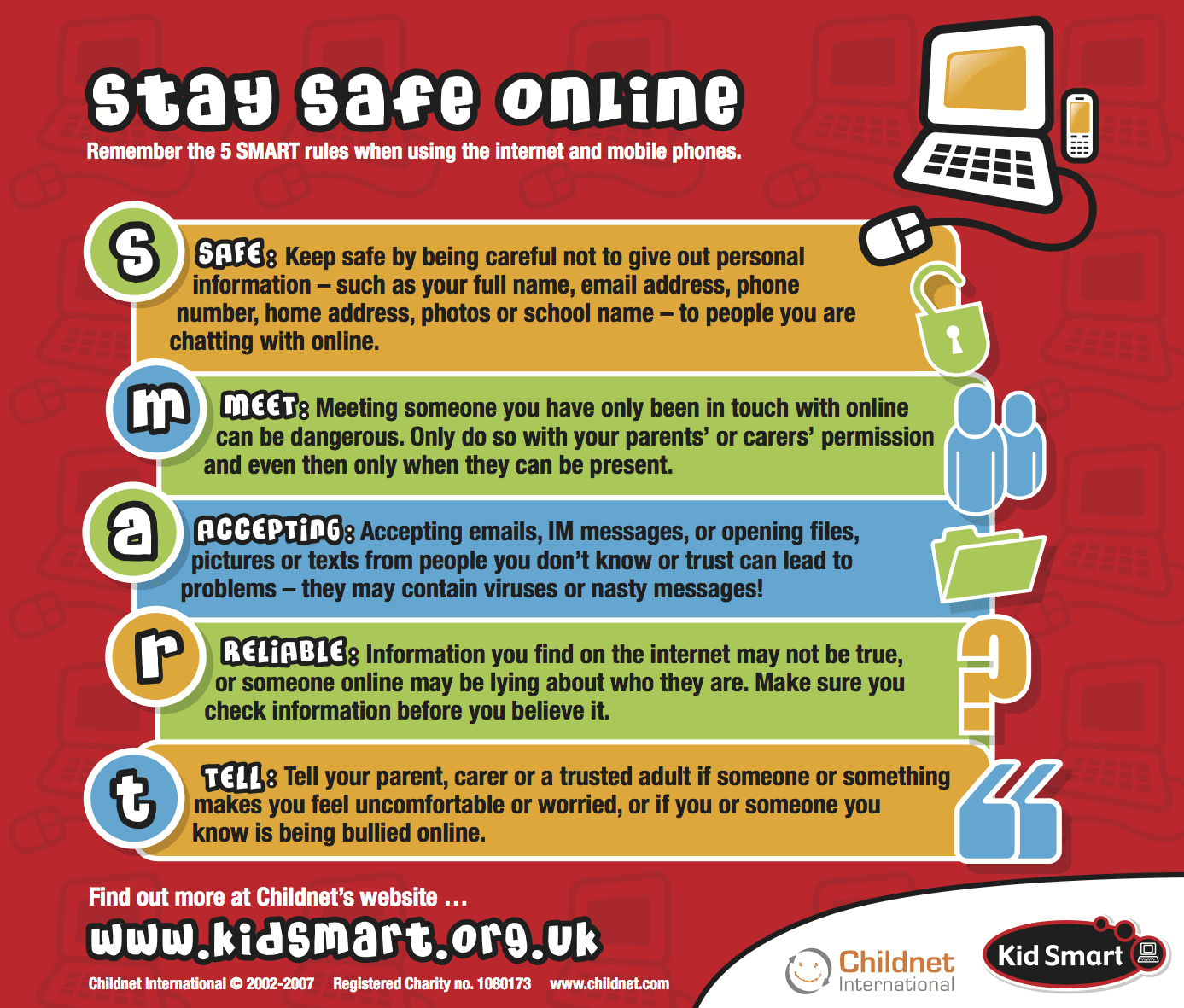
Computing and PSHE lessons both cover online safety, and this is woven into the curriculum with a different focus each half term. As a school, we believe that online safety cannot be covered in one standalone unit and is something that is revisited throughout the year in both subjects and during dedicated events such as Safer Internet Day and Anti-bullying week. Pupils are taught to identify where to go for help and support, and when they have concerns about content or contact on the internet or other online technologies.
To view Online Safety Policy, please visit our policies page.
Online Safety Group
Online Safety Lead & Designated Safeguarding Lead (DSL): Mrs Metcalfe
Keeping Children Safe Online
Caldmore Primary Academy uses filtering and monitoring systems in school. We also monitor the online activity of staff, children and visitors to the school. Any concerns that arise are reported directly following our safeguarding procedures.
Pupils working online are supported and closely monitored in class by teachers and support staff.
Reports are generated and reviewed by our Online Safety Lead. Spot checks are also carried out at regular intervals.
Action is taken immediately to address any concerns that may arise (in line with our Behaviour, Anti-Bullying, Equality objectives, Safeguarding and Child Protection, or PREVENT policies and procedures). Any action that arises from this is reported to the Governing Body via the Headteacher’s Report.
We believe in working closely with our parents to support pupils in developing safe practice when using online technology.
How can you help keep your child safe on the internet?
- Manage their screen time by setting a time limit.
- Approve Apps- make sure that you have checked that the App is appropriate for your child.
- Make sure you have updated your Parental Controls.
- Know about the Apps your child may be using and check privacy settings.
- Create an Avatar rather than using real photos.
Check out this useful Digital Parenting guide: